Features
The real list. If it's on this page, it's in version 0.3.1.
no "coming soon" in hereMicrosoft sign-in, the proper way
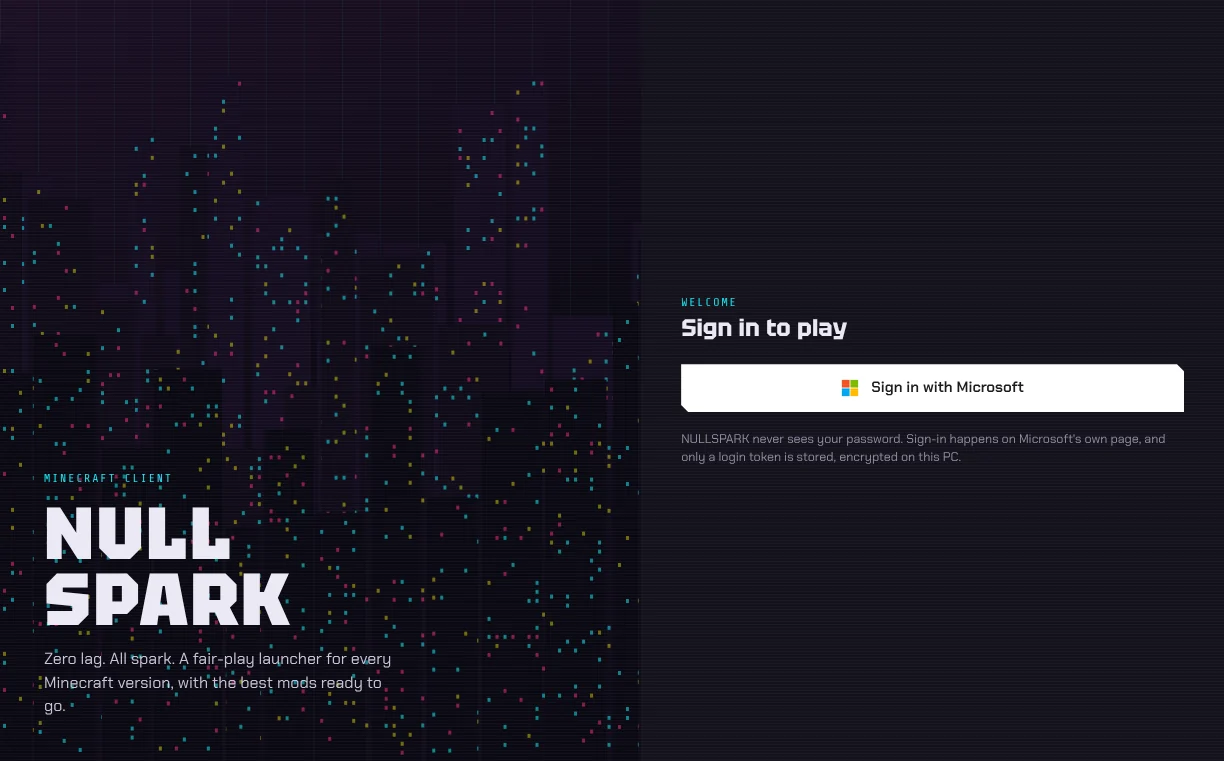
Click Sign in with Microsoft and Microsoft's own page opens in your browser. You sign in there, not in the launcher, so your password never touches NULLSPARK.
What it keeps is a login token, encrypted with Windows' own data protection. Add more than one account and switch between them from the menu.
Right now sign-in stops with "Mojang hasn't approved NULLSPARK yet". Every new launcher waits for that approval; it'll start working without an update.
Every release from 1.7.9 to 26.3
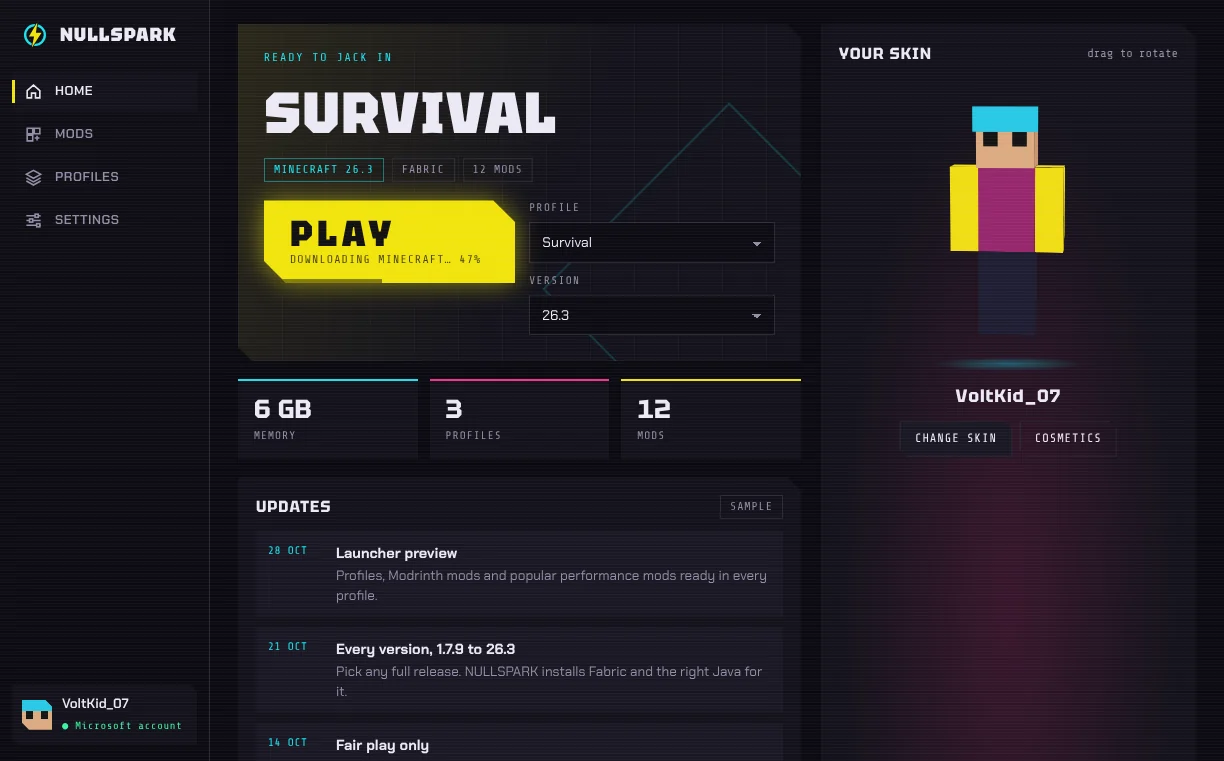
The version list comes live from Mojang, so new releases show up on their own. The game, its libraries, sounds and textures all download from Mojang's servers and are checked against Mojang's checksums.
Each version gets the Java it was made for. Java 25 for 26.x ships inside the installer; Java 21, 17 or 8 for older versions download once, the first time you need them.
Fabric, without the installer jar
Pick a version and NULLSPARK gets the newest stable Fabric loader for it: Fabric for 1.14 and newer, Legacy Fabric for 1.13.2 and older. If a version has no Fabric at all, it starts plain Minecraft and tells you.
A Modrinth mod browser
Search every client mod on Modrinth for your profile's version and click Install. Whatever the mod requires comes with it, and you can't remove a mod another one still needs.
Change a profile's Minecraft version and every mod swaps to its build for that version the next time you play. Mods with no build yet switch off and come back when you go back.
Ten mods, ready the first time you play
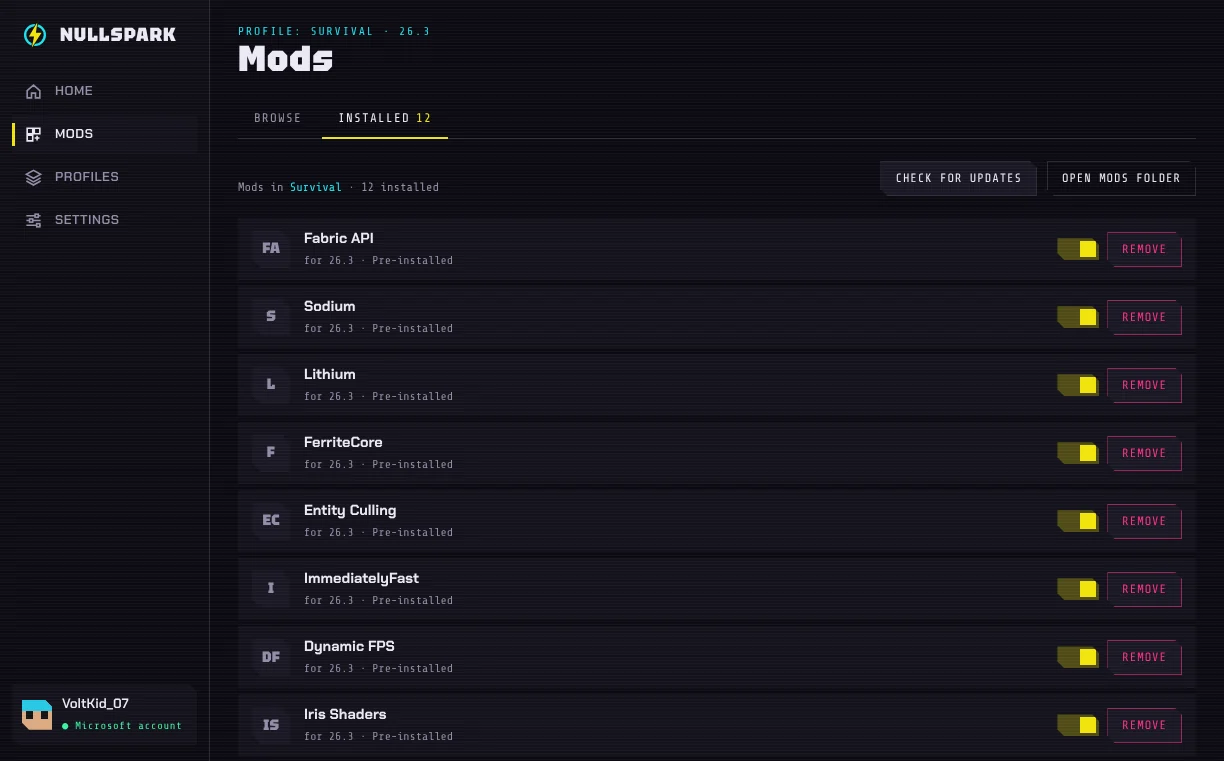
Each new Fabric profile (1.14 and up) gets these, in the right build for its version. All of them are allowed on normal servers. Remove one and it stays removed.
| Mod | What it's for |
|---|---|
| Fabric API | Shared code most Fabric mods need |
| Sodium | Much faster rendering |
| Lithium | Faster game logic |
| FerriteCore | Less memory |
| Entity Culling | Skips drawing mobs you can't see |
| ImmediatelyFast | Faster HUD and text |
| Dynamic FPS | Saves power when the game is in the background |
| Iris Shaders | Shader packs |
| Mod Menu | An in-game list of your mods |
| Zoomify | A zoom key |
Profiles that don't step on each other
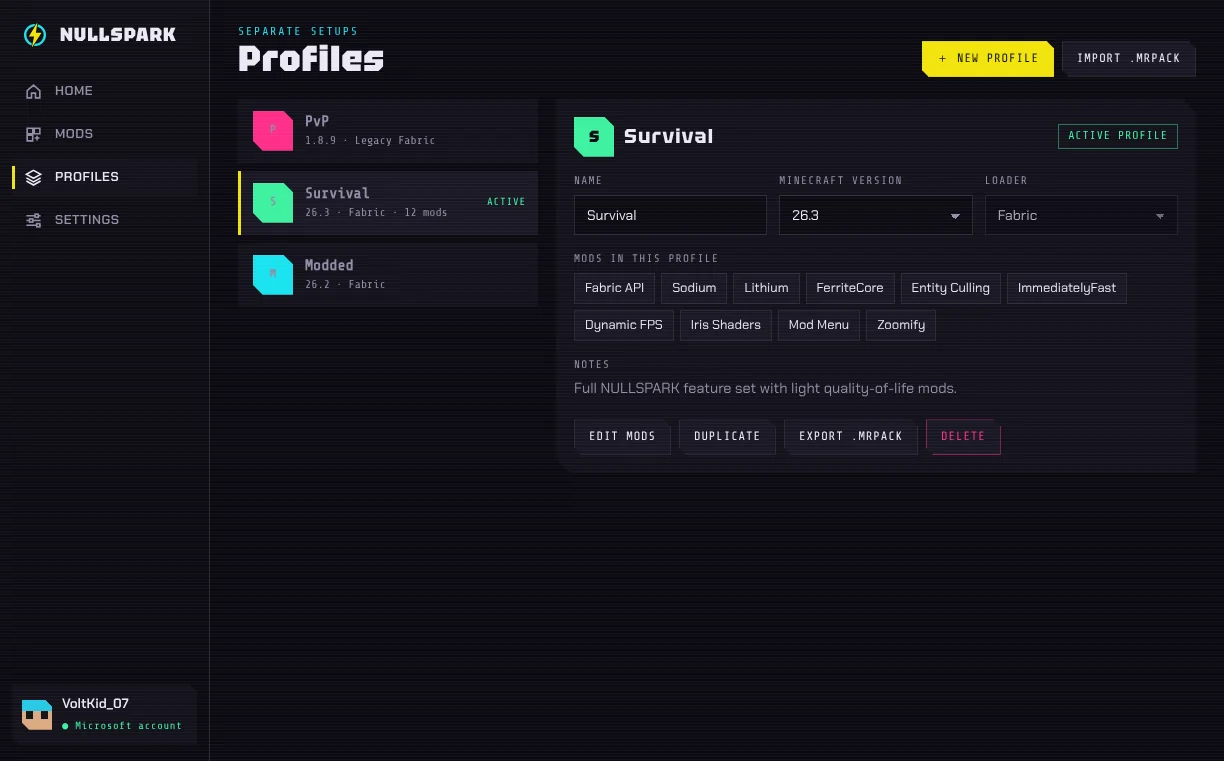
Each profile has its own version, worlds, mods, resource packs and settings. It starts with PvP on 1.8.9, Survival on 26.3 and Modded on 26.2; rename them, duplicate them, make your own.
The rest
- Your real skin in 3D on the home screen. Drag to turn it.
- Four accent colors, and a switch for the glitch and scanline effects.
- Memory slider that knows how much RAM your PC has.
- Game log one click away when something crashes.
- Updates install over the old version and keep everything.