Nullspark
A Minecraft launcher for Windows. Every release from 1.7.9 to 26.3, Fabric set up for you, mods from Modrinth. No cheats in it.
v0.3.1 · 29 Oct 2026
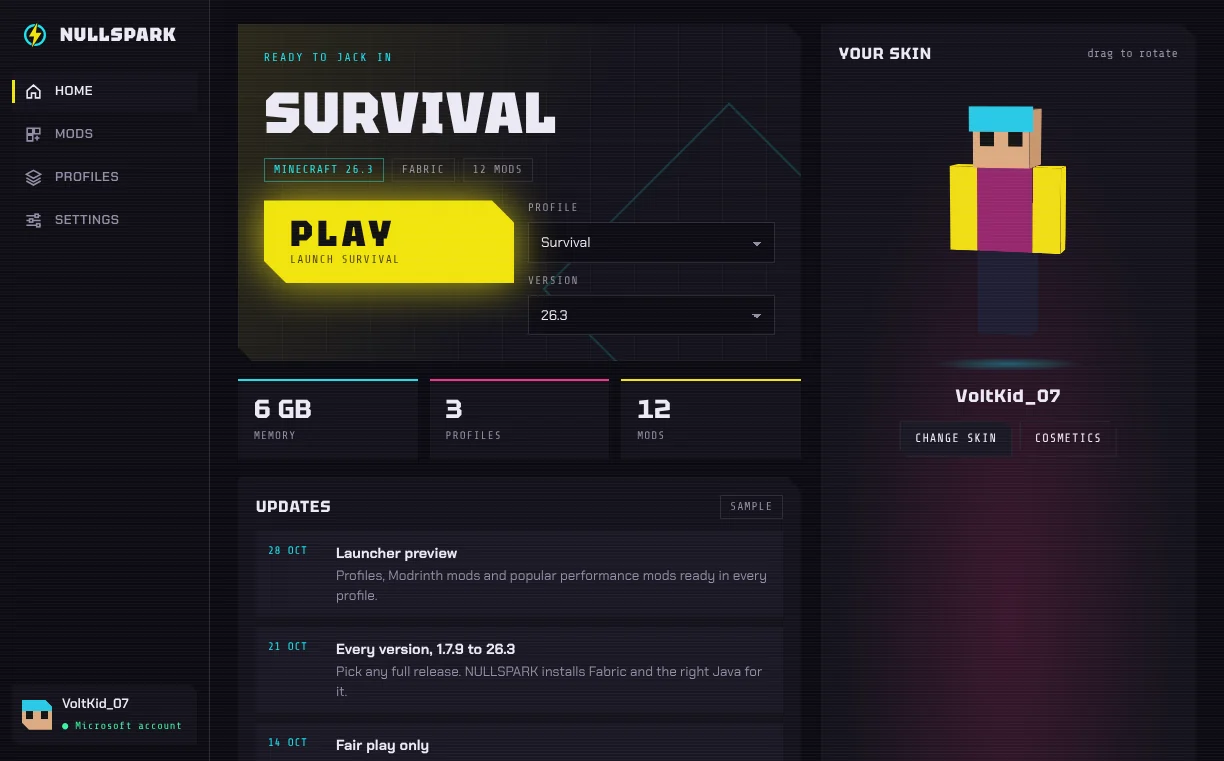
I built this because every launcher I tried wanted me to make another account, watch an ad, or both. This one signs you in with Microsoft and starts the game.— [YOUR NAME], who made it
What it does
You press play. It handles the boring part.
Note · 29 OctSign-in is waiting on Mojang approving the app (every new launcher goes through this). Everything else works today.
- Sign-in
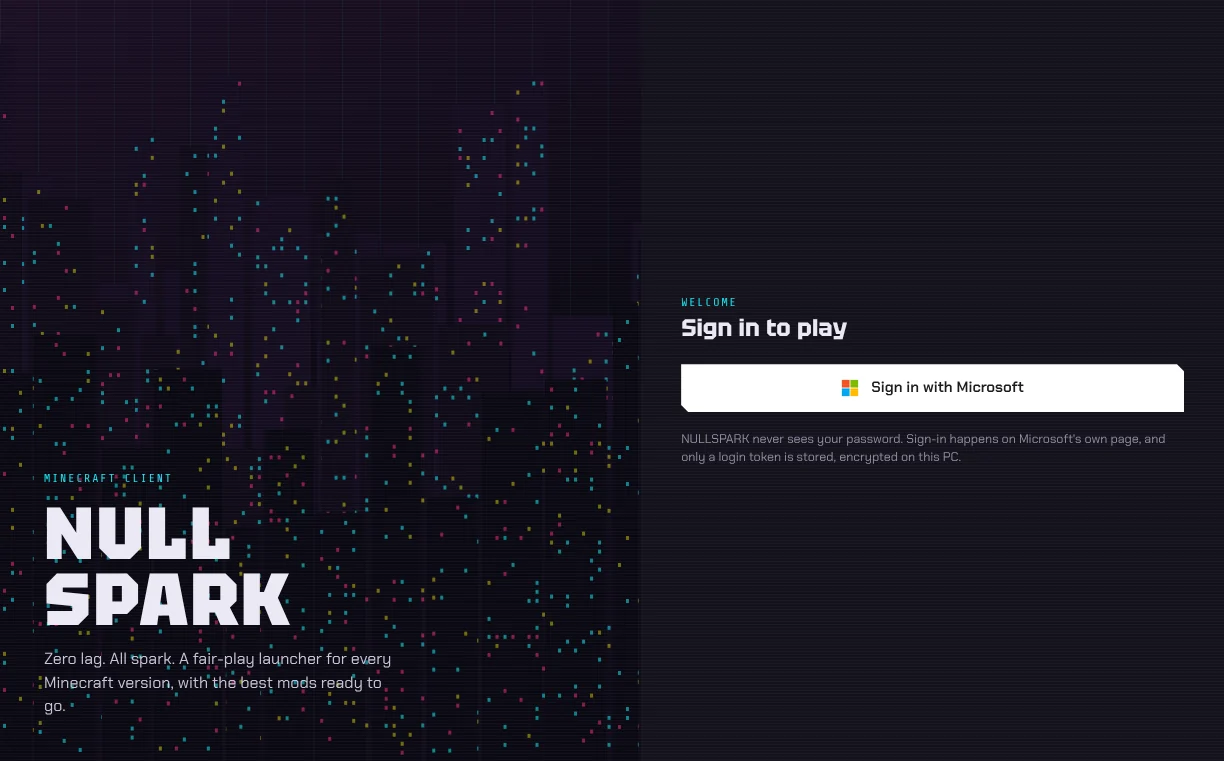
- Microsoft's own page opens in your browser. NULLSPARK never sees your password, and the login it keeps is encrypted so only your Windows account can read it.
- Versions
- Every full release from 1.7.9 to 26.3. Pick one from the list and it downloads straight from Mojang, checked file by file.
- Fabric
- Installed for you, per version. Fabric for 1.14 and newer, Legacy Fabric for the old ones, no installer jar to run.
- Java
- Java 25 is inside the installer. Older versions get the Java they need from Mojang the first time you play them.
- Mods
- Search all of Modrinth from the launcher. Install pulls in whatever the mod needs, and switching versions swaps every mod to the right build.
- Ready to go
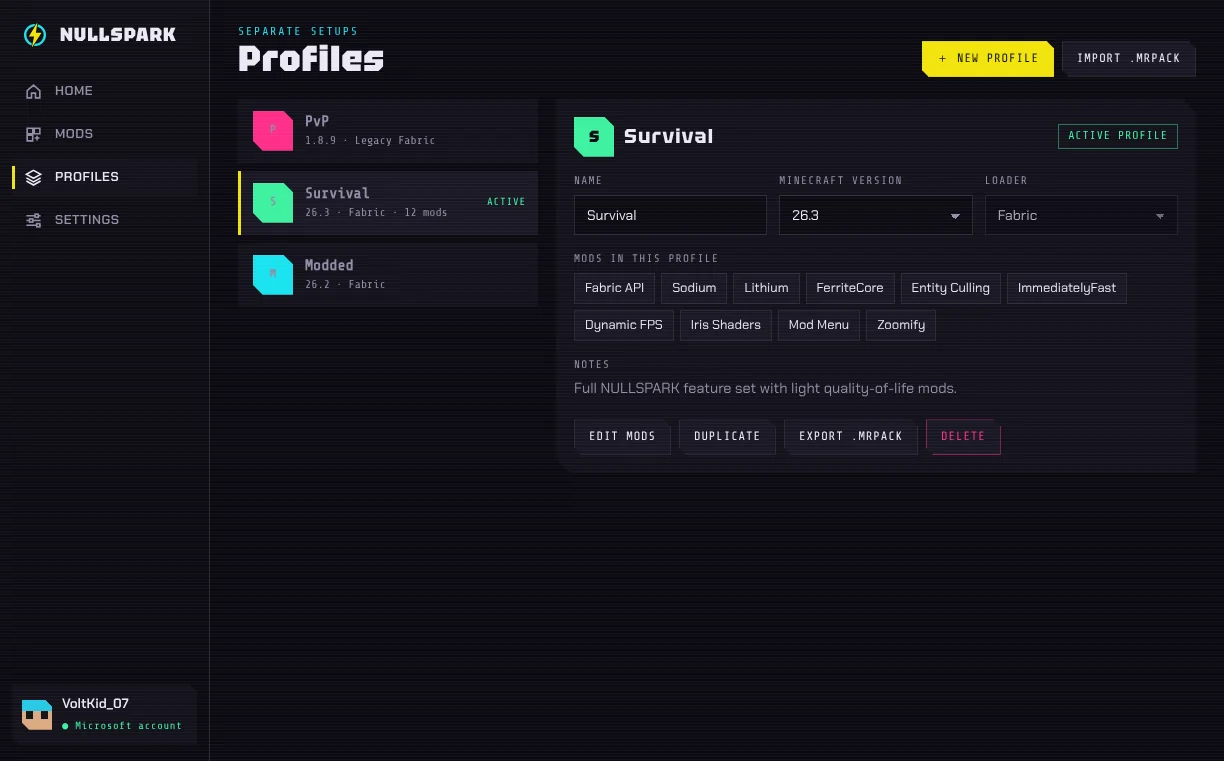
- Sodium, Lithium, Iris, Zoomify and six more are added to each new profile the first time you play it. Remove any you don't want.
Real screens, not mockups
What it looks like
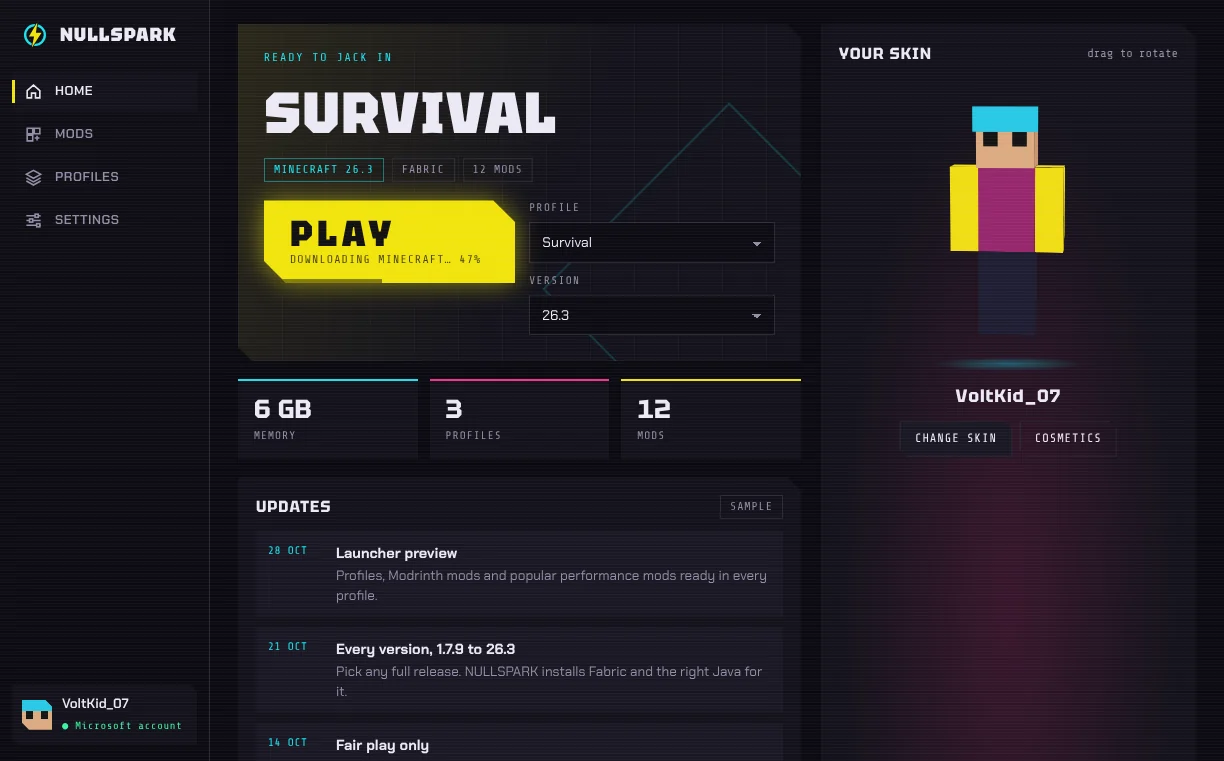
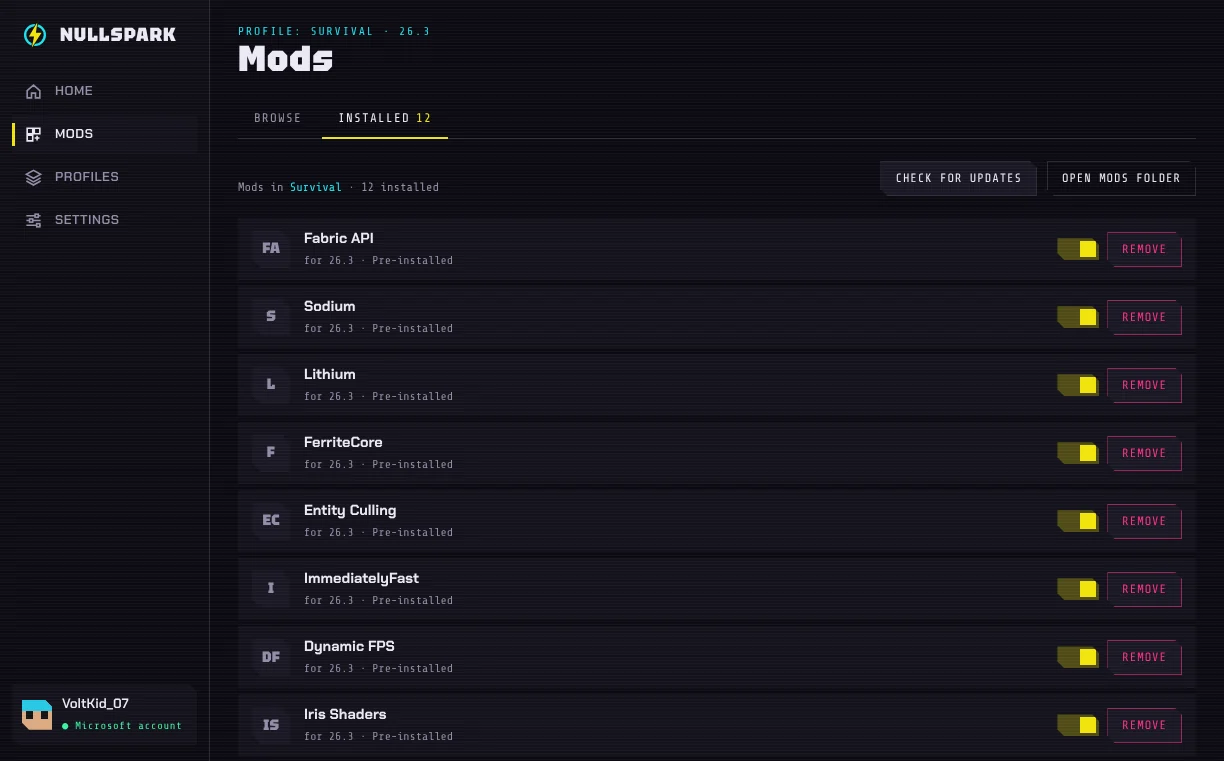
Honest bitThe launcher is Windows only right now. I don't own a Mac to test on, so I'm not going to pretend.
What's new
Latest release
v0.3.129 Oct 2026
- Removed the Built-in tab. Those 89 features needed a game mod that doesn't exist yet, so the tab was promising things it couldn't do.
- Java 25 now comes inside the installer, so Minecraft 26.x starts without a Java download.
- Fabric API, Sodium, Lithium, Iris, Zoomify and five more get added to every new Fabric profile.
- The mod browser is real now: search, install, update and switch off anything on Modrinth.
Couldn't load the latest release info just now, so this shows version 0.3.1 from when the page was made. There may be a newer one: try reloading.
From the log · 29 Oct, 3:51 amSign-in and launching went from fake to real tonight. Then I removed the fake accounts. Yes, it was a fake account generator for one version. Don't ask.
And what it won't do
The short no list
- X-ray, kill aura, auto-clickers or any cheat
- An account of its own
- Ads
- Analytics or trackers
- Ask for your password
- Cost money
Want the big button again? Here's the download page, with the checksum and what Windows will say the first time.